

Step-by-Step Guide to Setting Up Automated Payroll and Time Tracking for California Small Businesses
California employers face some of the most rigorous labor compliance standards in the United States. According to recent regulatory updates, the state minimum wage reached $16.00 per hour in 2024, with higher rates applying in major metropolitan areas like Los Angeles and San Francisco. This financial reality makes manual payroll processing not just inefficient, but financially risky for small businesses. OneHCM addresses this complexity by providing a unified platform that integrates time tracking, payroll, and benefits administration into a single system. By automating these workflows, businesses can eliminate the 3,312 reports that many HR teams struggle to manage manually, ensuring accuracy and compliance simultaneously. (Contact Us OnePoint HCM)
Understanding California Payroll Compliance
Before implementing any software, it is critical to understand the regulatory landscape. California labor laws are distinct from federal standards in several key areas. Prevailing wage laws require contractors on government-funded projects to pay workers region-specific rates. This is not optional. Additionally, the state mandates strict meal and rest break policies. Failure to comply can result in significant penalties. For example, if an employer fails to provide a required meal break, they owe the employee one additional hour of pay for that workday. This is known as a meal period premium.
Another critical component is the California Emergency Contact Law. As of 2026, employers are required to allow employees to designate an emergency contact and indicate whether that contact should be notified in the event of an arrest or detention. This functionality must be built into your HR system. Manual spreadsheets cannot handle these dynamic legal requirements. You need a system that updates automatically as laws change. ONEHCM provides real-time compliance updates to ensure your business stays ahead of these mandates.
Choosing the Right HCM Platform
Not all payroll software is created equal. For small businesses in California, you need a platform that offers more than just check printing. You need a Human Connection Management system that unifies HR, payroll, and time tracking. The goal is to have one employee record that tracks an individual from recruitment to retirement. This eliminates data silos and ensures that time data flows directly into payroll without manual entry errors.
When evaluating platforms, look for self-serve scheduling features. These empower managers and employees to manage shifts without constant administrative overhead. Additionally, ensure the platform supports piece rate pay if your business involves manufacturing or retail. California has specific rules for calculating overtime on piece rate wages. A robust HCM system will handle these calculations automatically. ONEHCM offers a dedicated integration directory to connect with job boards and carrier connections, streamlining your entire workforce management process.
Step 1: Integrating Time Tracking
The foundation of accurate payroll is accurate time data. In California, non-exempt employees must be paid for every minute worked. This includes waiting time, travel time, and on-call time. Here is how to set up automated time tracking:
1. Deploy Mobile Time Clocks
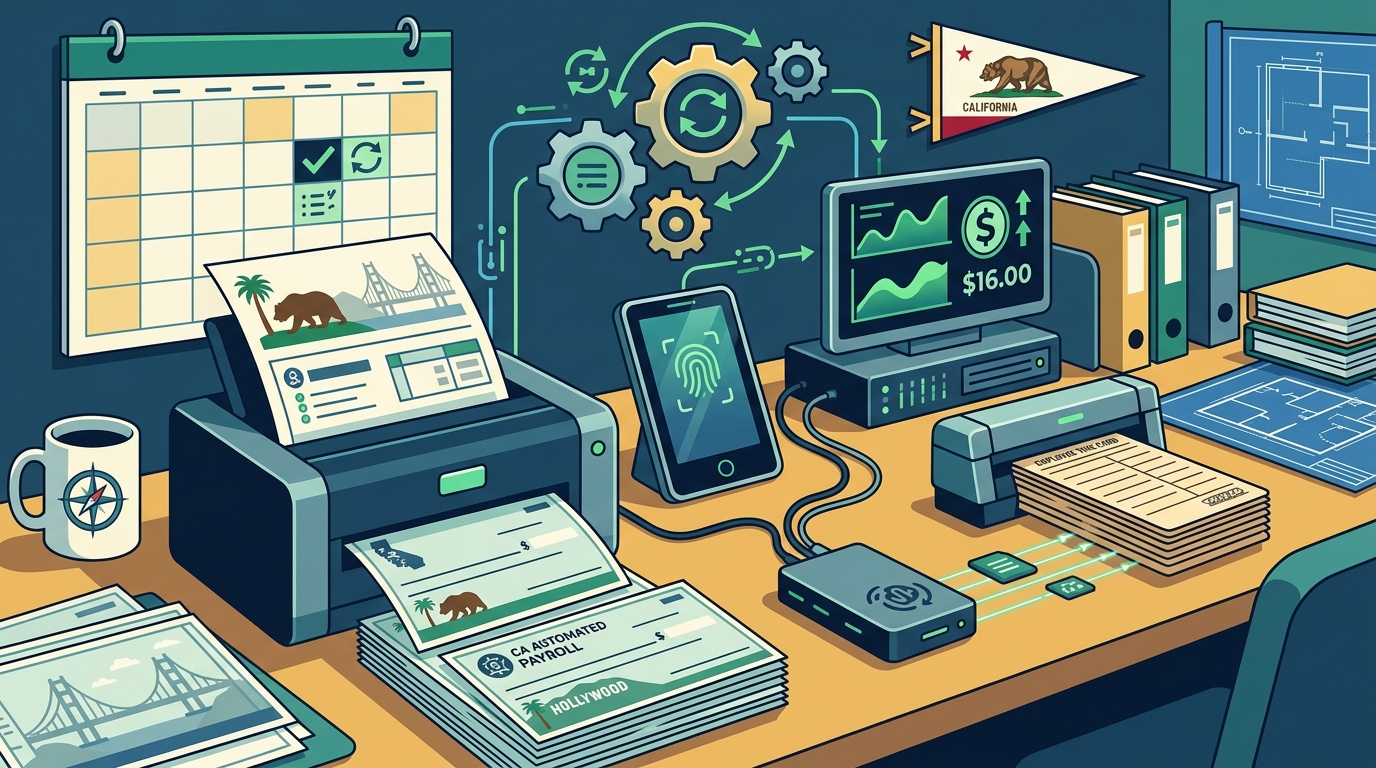
Enable mobile time clocks for your remote or field workers. This allows employees to clock in and out from their smartphones. Ensure the system captures geolocation data if required by your industry. This provides an audit trail for labor compliance. ONEHCM’s mobile app allows employees to view their schedules and submit time off requests instantly.
2. Configure Overtime Rules
California overtime rules are complex. Non-exempt employees are entitled to overtime pay after working 8 hours in a day or 40 hours in a week. They also receive time-and-a-half for the first 8 hours on the seventh consecutive day of work. Configure your system to calculate these rates automatically. Do not rely on manual overrides. Automated rules ensure consistency and reduce the risk of underpayment.
3. Implement Break Tracking
Set up automated alerts for meal and rest breaks. If an employee works more than 5 hours without a 30-minute unpaid meal break, the system should flag this for review. This proactive approach helps you avoid penalties before they occur. ONEHCM’s leave management module can also track these breaks, providing a comprehensive view of employee compliance.
Step 2: Configuring Payroll Rules
Once time data is flowing, you must configure the payroll engine. This step ensures that wages are calculated correctly and taxes are withheld appropriately.
1. Set Up Pay Schedules
California allows for semi-monthly or twice-monthly pay schedules for most employees. However, hourly workers must be paid at least twice a month. Choose a schedule that aligns with your cash flow and employee expectations. ONEHCM supports flexible pay schedules to accommodate different business needs.
2. Configure Tax Withholdings
California has high state income tax rates. Ensure your system is configured to withhold the correct amounts based on employee W-4 forms. Also, account for local taxes in cities like Los Angeles or San Francisco. These local taxes can vary significantly. ONEHCM automatically updates tax tables to reflect current rates, reducing the burden on your HR team.
3. Integrate with Benefits
Payroll and benefits are intertwined. Configure your system to automatically deduct premium contributions from employee paychecks. This includes health insurance, retirement plans, and other voluntary benefits. ONEHCM’s benefits administration module simplifies this process by providing a unified view of all employee benefits. This ensures that deductions are accurate and compliant.
Step 3: Setting Up Benefits Administration
Benefits administration is a critical part of the HCM ecosystem. In California, employers must comply with the Affordable Care Act (ACA) and state-specific mandates. Here is how to streamline this process:
1. Automate ACA Compliance
Employers with 50 or more full-time equivalent employees must offer affordable health insurance. ONEHCM’s ACA Manager helps you track eligibility and report compliance automatically. This reduces the risk of penalties and ensures that your employees receive the coverage they need.
2. Manage Carrier Connections
Connect your HCM system directly with insurance carriers. This allows for real-time enrollment and data synchronization. When an employee enrolls in a new plan, the information is updated in payroll immediately. This eliminates manual data entry and reduces errors. ONEHCM’s Carrier Connections feature ensures that your benefits data is always accurate.
3. Handle COBRA and Leave
California has strict leave laws, including the California Family Rights Act (CFRA). Ensure your system can track leave balances and generate COBRA notices automatically. ONEHCM’s leave management module provides tools to manage these complex requirements efficiently. This ensures that your business remains compliant while supporting your employees.
Step 4: Testing and Launch
Before going live, conduct a thorough testing phase. This is critical to ensure that all calculations are correct and that data flows seamlessly between modules.
1. Run Parallel Payrolls
Run your new system in parallel with your old payroll for at least two pay periods. Compare the results to identify any discrepancies. This step is essential for catching errors before they affect employee paychecks. ONEHCM’s dedicated support team can assist you with this transition to ensure a smooth launch.
2. Train Your Team
Provide comprehensive training for HR staff and managers. Ensure they understand how to use the self-serve features and how to troubleshoot common issues. ONEHCM offers a video library and forms & downloads to support your training efforts. This empowers your team to use the system effectively.
3. Go Live and Monitor
Once testing is complete, go live with the new system. Monitor the first few payrolls closely to ensure everything is running smoothly. Address any issues immediately. ONEHCM’s customer success team is available to provide ongoing support and guidance.
Key Takeaways
- Compliance is Non-Negotiable: California labor laws require strict adherence to meal breaks, overtime, and emergency contact rules.
- Unified Systems Reduce Errors: Integrating time tracking and payroll eliminates manual data entry and reduces compliance risks.
- Automation Saves Time: ONEHCM helps eliminate thousands of manual reports, freeing up HR teams to focus on strategic initiatives.
- Real-Time Updates: Automated tax and regulatory updates ensure your business stays compliant without constant manual intervention.
- Employee Self-Serve: Empowering employees to manage their time and benefits improves engagement and reduces administrative burden.
- Mobile Accessibility: Mobile time clocks and apps are essential for tracking remote and field workers accurately.
- Dedicated Support: Working with a partner like ONEHCM provides access to expert guidance and personalized service.
Frequently Asked Questions
What is the minimum wage in California for 2026?
The minimum wage in California is $16.00 per hour for employers with 26 or more employees. For smaller employers, the rate may differ, but it is generally aligned with state standards. Local ordinances in cities like Los Angeles and San Francisco may require higher wages.
How does ONEHCM handle California overtime rules?
ONEHCM automatically calculates overtime based on California’s daily and weekly thresholds. It accounts for time-and-a-half after 8 hours in a day and double time after 12 hours. The system also handles seventh-day overtime rules.
Can ONEHCM manage piece rate pay?
Yes, ONEHCM supports piece rate pay calculations. It ensures that overtime is calculated correctly based on the regular rate of pay derived from piece rate wages, complying with California labor laws.
What is the California Emergency Contact Law?
As of 2026, California employers must allow employees to designate an emergency contact and specify whether that contact should be notified in the event of an arrest or detention. ONEHCM’s system includes functionality to manage these designations securely.
How does ONEHCM simplify benefits administration?
ONEHCM provides a unified benefits administration module that integrates with carriers. It automates ACA compliance, COBRA management, and enrollment processes, reducing manual work and ensuring accuracy.
Is ONEHCM suitable for small businesses?
Yes, ONEHCM is designed for businesses of all sizes, including small businesses. It offers scalable solutions that grow with your company, providing robust features without unnecessary complexity.
What integrations does ONEHCM support?
ONEHCM supports a wide range of integrations, including job boards, Google Workspace, and carrier connections. Its integration directory provides a comprehensive list of compatible tools to streamline your workflow.
Get Started with ONEHCM
Setting up automated payroll and time tracking in California does not have to be overwhelming. With the right partner, you can ensure compliance, save time, and focus on growing your business. ONEHCM offers a dedicated partner approach to help you implement a seamless solution tailored to your needs. Request a demo today to see how ONEHCM can transform your HR processes. Visit our Why OnePoint page to learn more about our service commitment. For more insights, check out our blog on HR compliance and workforce management.